
Boost your PC's
Gaming Performance
Increase FPS, reduce input delay, optimize your PC
for gaming — all in one tweaking panel.
Venmo only · One-time payment · @patrickyoboi
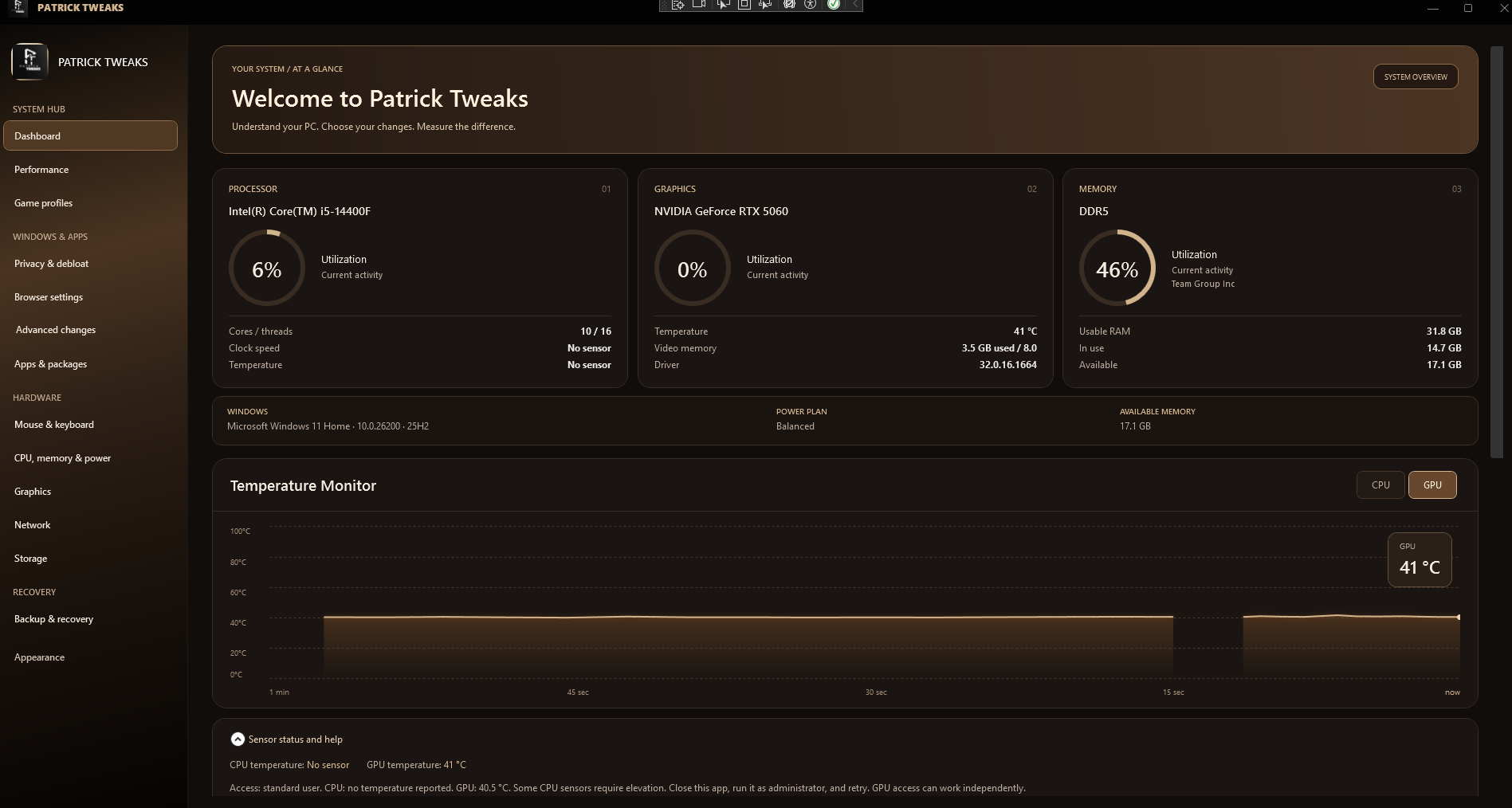
Built to eliminate
what holds your PC back.
Three tuned pillars — frame stability, network response, and input latency — working together so every match feels effortless.
Boost your FPS and eliminate stutters
Stabilize performance and maintain consistent FPS during gaming sessions.
Improve ping and bufferbloat
Optimize system and network usage to minimize delays and keep inputs responsive.
Reduce input lag & system latency
Disable unnecessary background apps to free resources and maintain stable performance.
Real-time hardware telemetry.
One-click optimizations.
Good for the games you play.
Tuned profiles built for the most demanding competitive titles.



Patrick Tweaks — Free Edition
A real, working slice of Patrick Tweaks. Live hardware monitoring + a starter set of safe tweaks so you can see what the panel actually does before paying a cent.
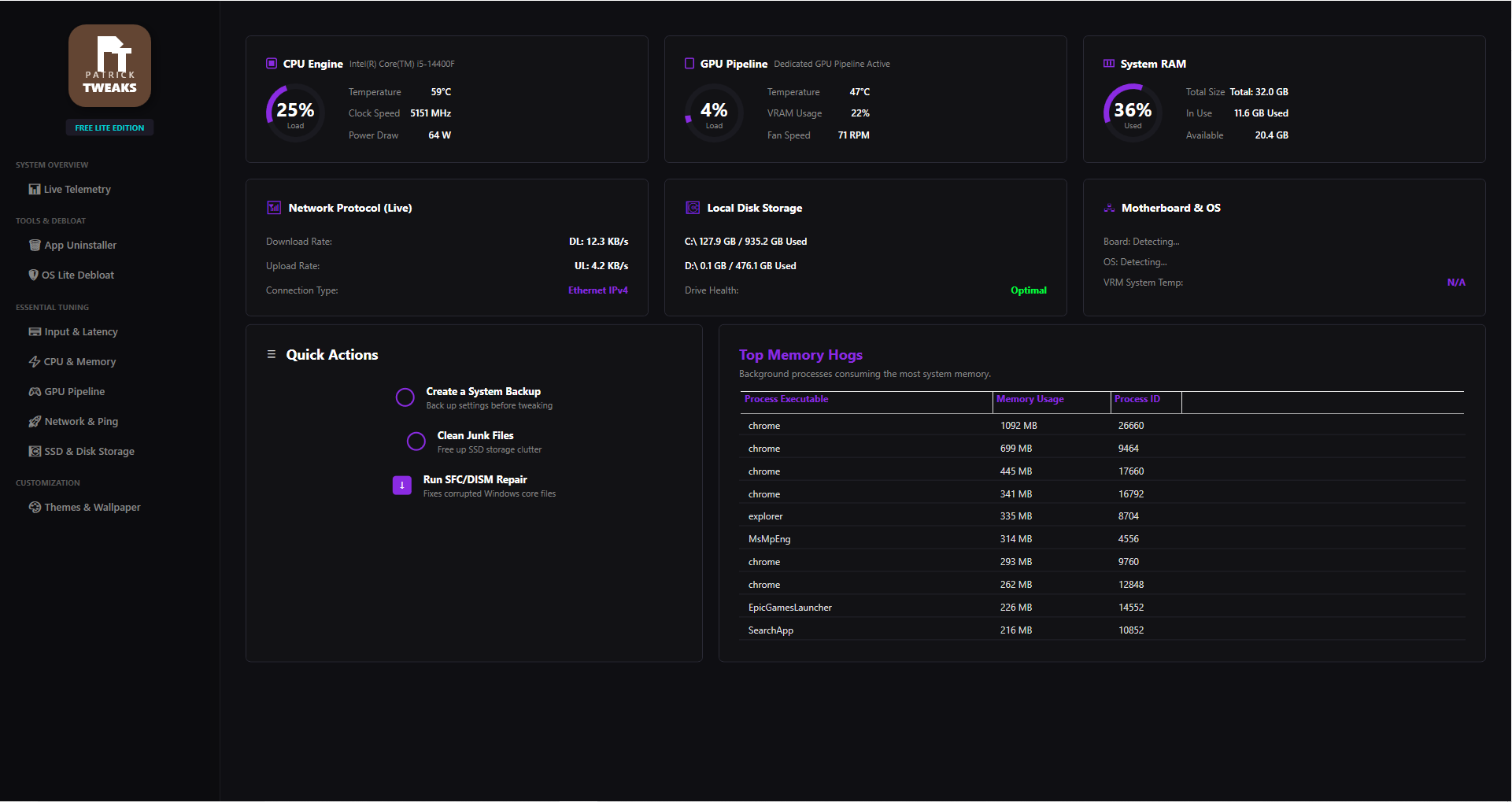
- Real-Time Hardware Telemetry
Live CPU, GPU, and RAM load with temps, clocks, power draw, fan RPM, network throughput, storage and motherboard info — same monitor engine as the paid build.
- Basic Tweaks pack
Disables a small set of safe Windows background tasks (telemetry pings, scheduled tips, search indexing on idle) to free up a few % CPU and reduce stutter spikes.
- Quickstart actions
One-click System Backup, Clean temp / cache files, and SFC / DISM repair to fix corrupted Windows files that quietly cap your FPS.
- Top Background Processes view
See exactly which apps are eating your RAM right now (Chrome, Discord, MsMpEng…) so you can close them before a match.
- 50+ pro tweaks
Deep CPU scheduler, GPU driver, network stack (TCP ack frequency, NLA), and kernel timer tweaks tuned for low input latency.
- App Debloater
Removes Xbox Game Bar, Cortana, OneDrive, Edge background tasks, and ~30 other preinstalled Windows apps in one click.
- Per-game profiles
Dedicated configs for Fortnite, Valorant, and CS2 — auto-applies the right power plan, GPU priority, and process affinity when the game launches.
- Lifetime updates + support
Every new tweak we ship, you get. Direct support if anything misbehaves.
Built for laptops.
Cooler. Quieter. Faster.
A dedicated build tuned for gaming laptops — thermal-aware tweaks, battery-safe profiles, and a live telemetry panel made for mobile hardware.
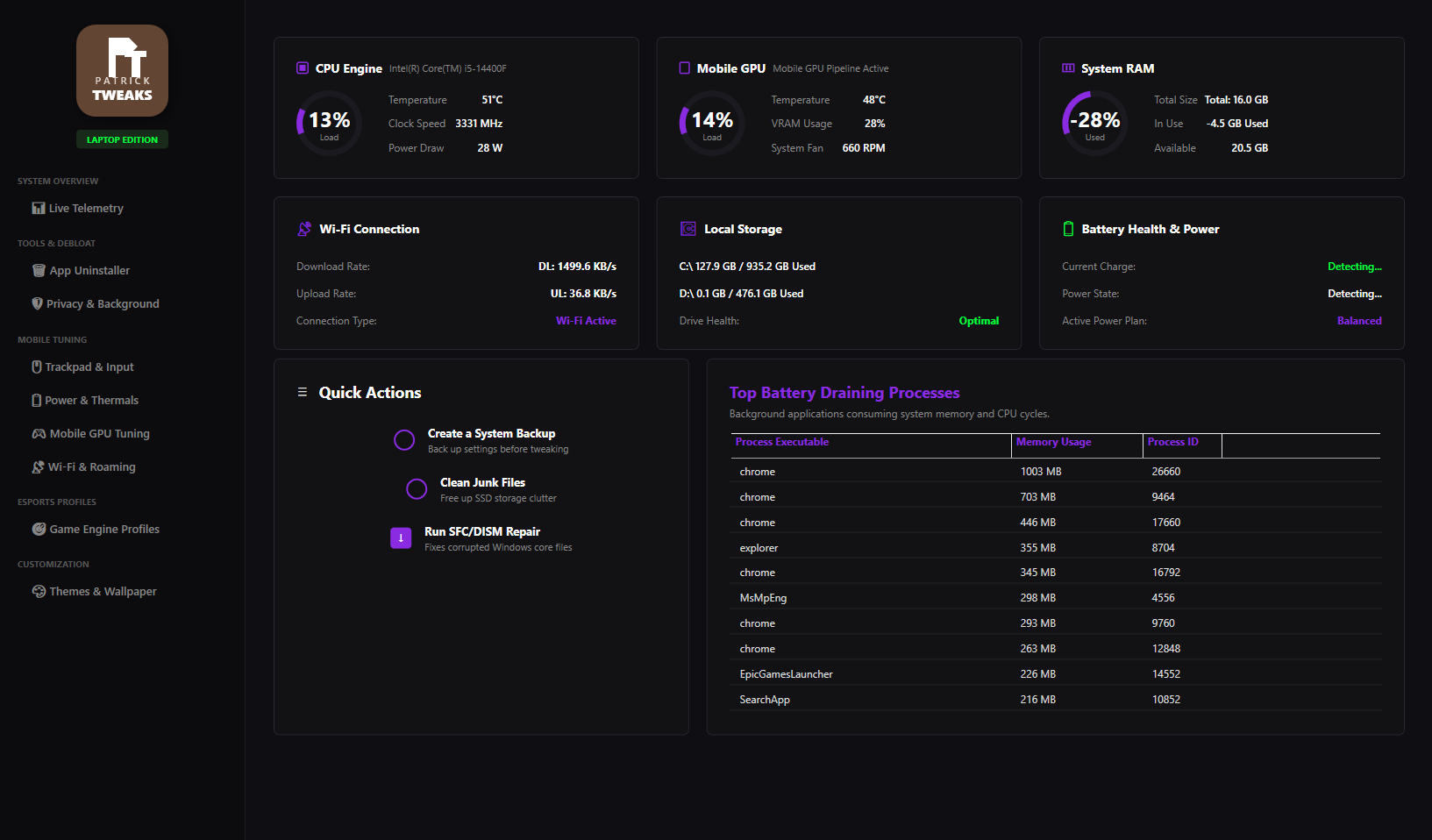
Switch between Plugged-In beast mode and On-Battery efficiency without breaking Windows power plans.
Fan curve friendly tweaks that keep CPU/GPU temps in check without killing performance.
Real-time CPU load, GPU activity, memory, charge level, temps and Wi-Fi throughput.
Rips out MyASUS, Lenovo Vantage, HP CoPilot junk & vendor auto-updaters that eat CPU.
Every category. Every tweak.
Nothing hidden.
A live tour of what runs under the hood. Auto-cycles every few seconds — hover to pause.
System & Services
Essential tweaks + service debloat for raw Windows speed.
Adjust Visuals for Performance
Disables animations and window transparency.
Disable Telemetry & Data
Stops Microsoft from tracking background data.
Disable Hibernation
Frees up gigabytes of storage.
Disable Fast Boot
Prevents instability by doing full shutdowns.
Disable Xbox Game Bar
Turns off the Game Bar overlay to fix micro-stutters.
Disable User Account Control
Stops annoying 'Do you want to allow…' popups.
Disable Fullscreen Opts
Improves alt-tab speed and mouse input latency.
Disable Notifications
Turns off all Windows system notifications.
Disable Storage Sense
Prevents Windows from scanning drives mid-game.
Disable Background Apps
Prevents Windows apps from running invisibly.
Disable Transparency
Turns off blur/glass effects to save GPU cycles.
Disable SysMain (SuperFetch)
Stops RAM caching that causes high disk usage.
Disable Remote Desktop
Turns off unused Remote Connections for security.
Disable Wallet/Insider
Turns off unused Microsoft Wallet & Insider services.
Remove OneDrive
Uninstalls OneDrive from the system.
15 tweaks in this category · part of the full $35 package
Get all tweaksTweaks made to help your
PC game.
Max FPS
GPU & CPU scheduling tuned to push Fortnite past your monitor's refresh rate.
Lower Ping
Network stack tweaks for tighter hit registration and snappier edits.
Input Lag Killer
Mouse polling, raw input and DPI tuning for crisper aim.
Faster Loads
Strip Windows bloat — load into matches before your squad.
Safe & Reversible
Every tweak ships with a one-click restore point.
1-Click Apply
Curated Fortnite profile applied in under 60 seconds.
Full Tweaks is a service — we meet on Discord.
Full Tweaks ($35) is a hands-on service. After you order, I'll add you on Discord and walk you through the tweaks live. Payment is Venmo only — no PayPal, no Cash App, no cards. Drop your Discord username in the form so I know who to add.
Pick your build.
Click a product to see everything it does, then add it to your cart. Payment is Venmo @patrickyoboi.
 Most Popular
The complete build. BIOS tweaks, Windows tuning and a 1-on-1 Discord call.
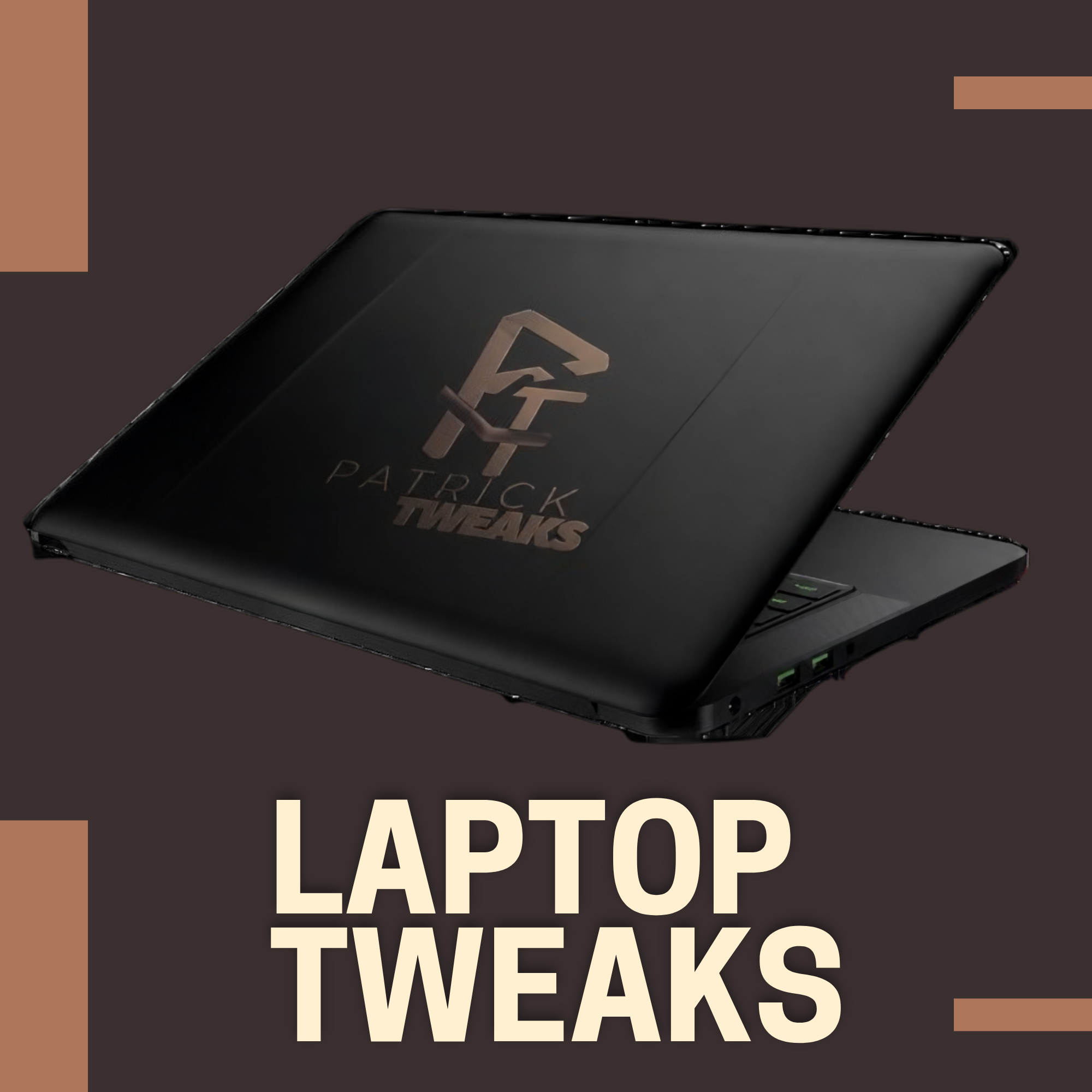
Safe, thermal-aware tuning built for gaming laptops. No BIOS changes.
The full desktop panel — live telemetry and 50+ tweaks you apply yourself.
The free edition. Live telemetry and a safe starter tweak pack.
What players
are saying.
Real reviews from real users. Drop yours below — it posts to the site instantly.
No reviews yet — be the first to drop one.

Patrick
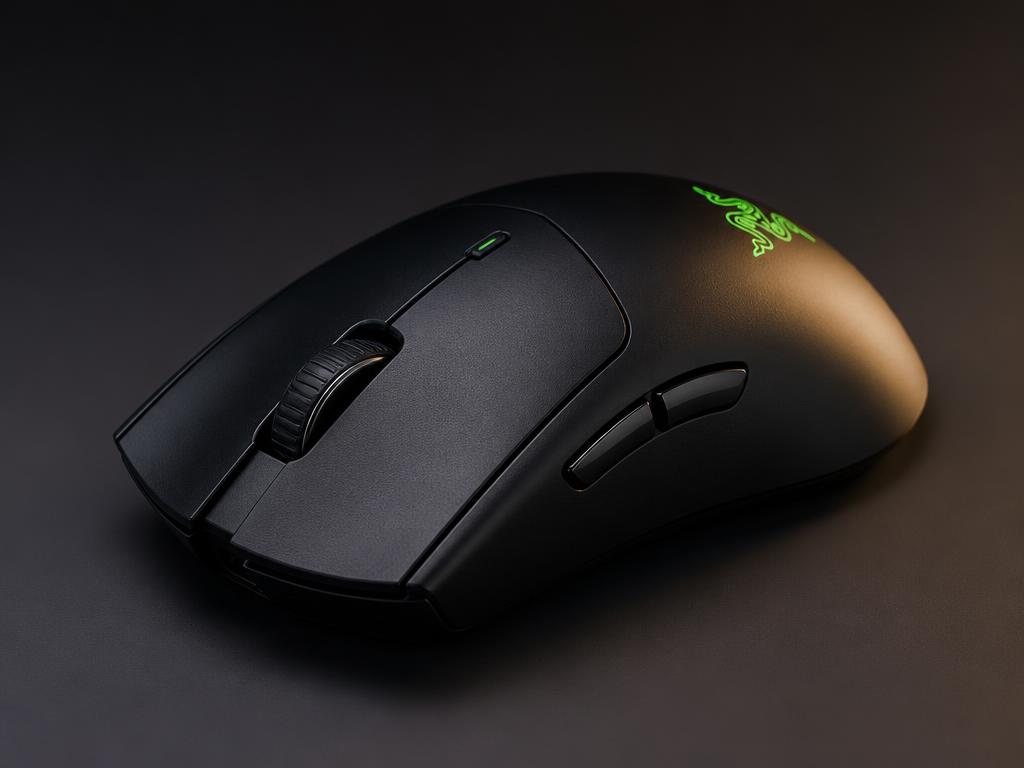
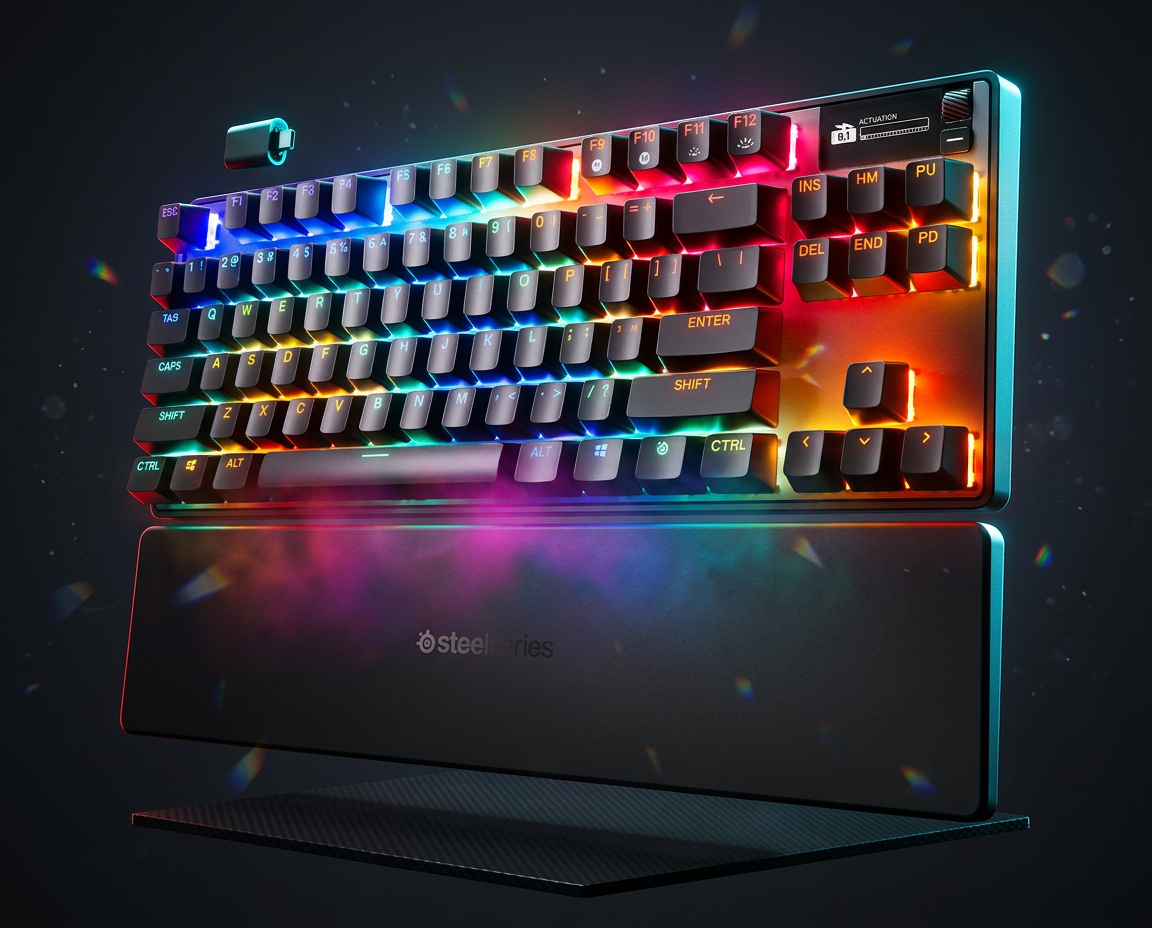
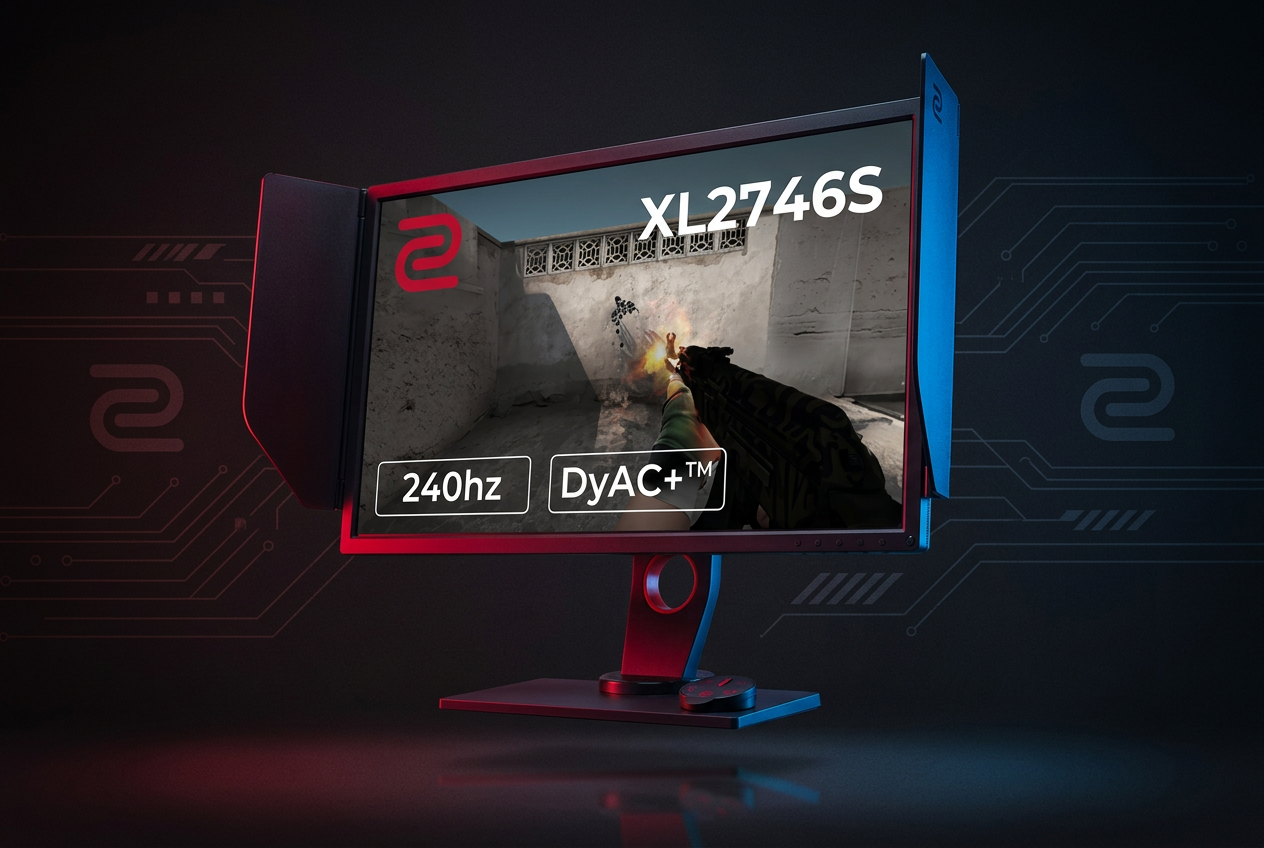
The exact gear, sensitivity, keybinds and video config I run in Fortnite.
Mouse
Keybinds
Video Settings
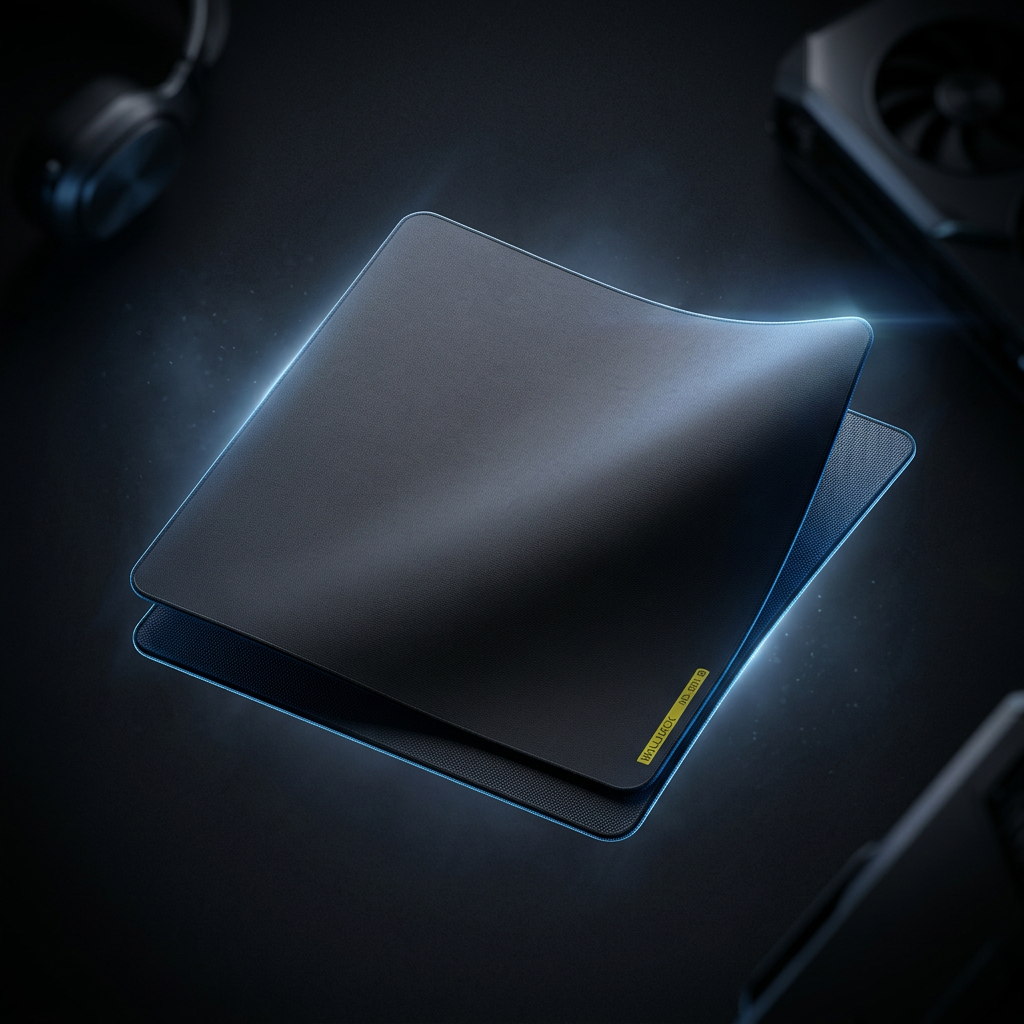
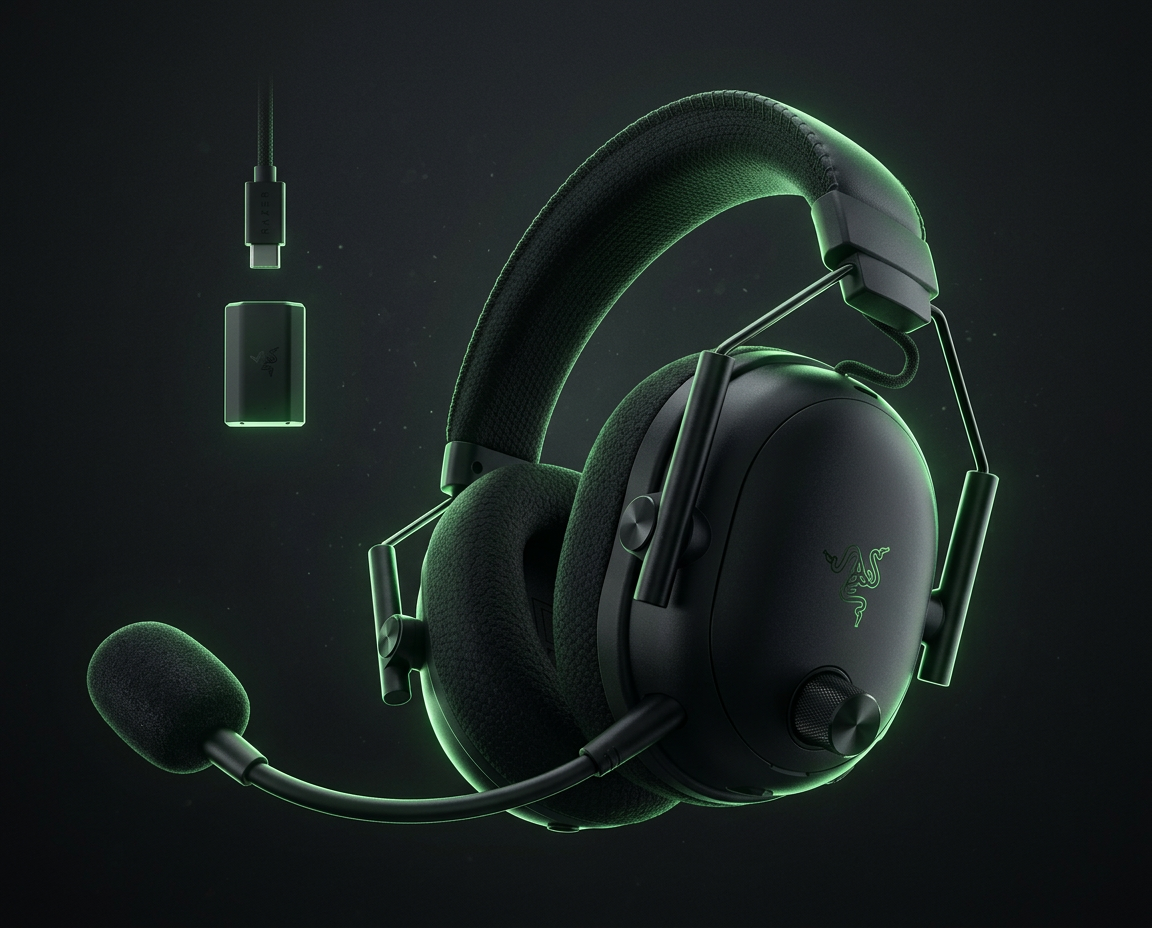
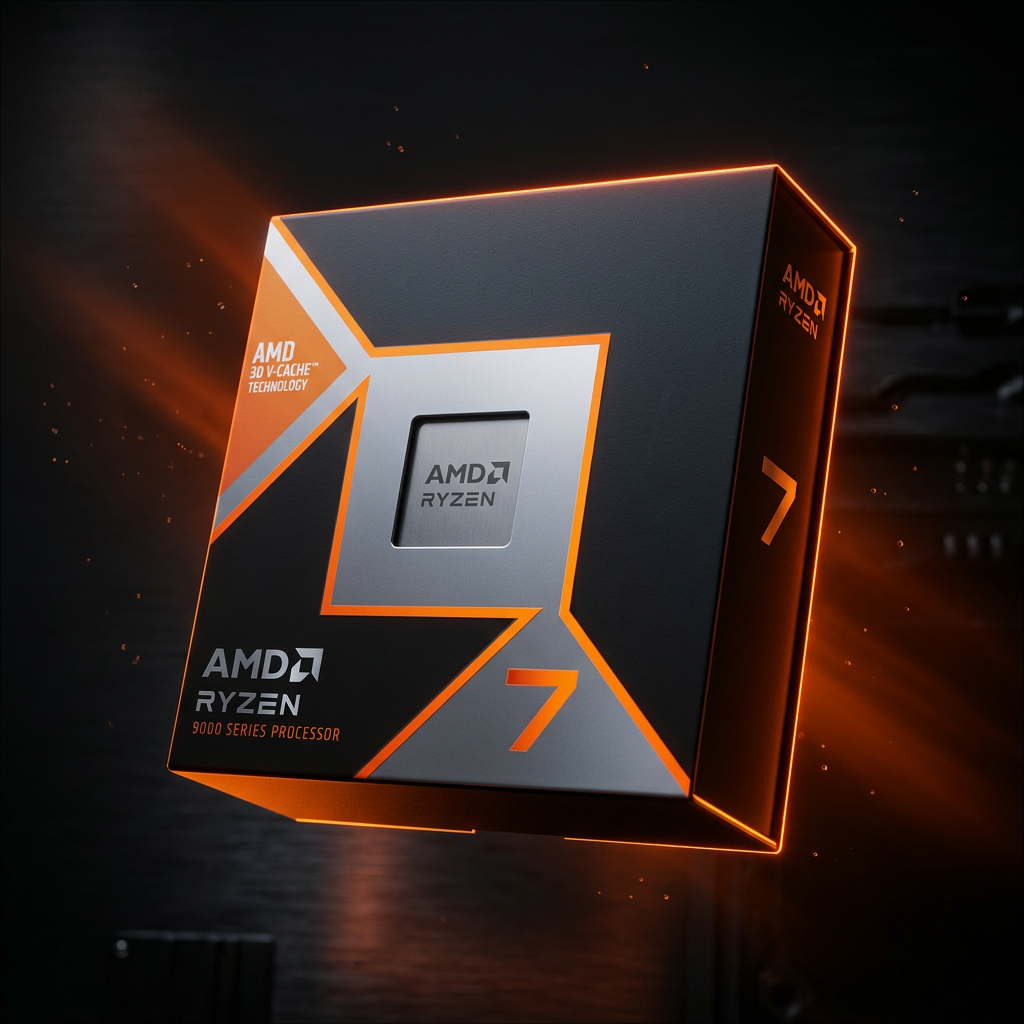
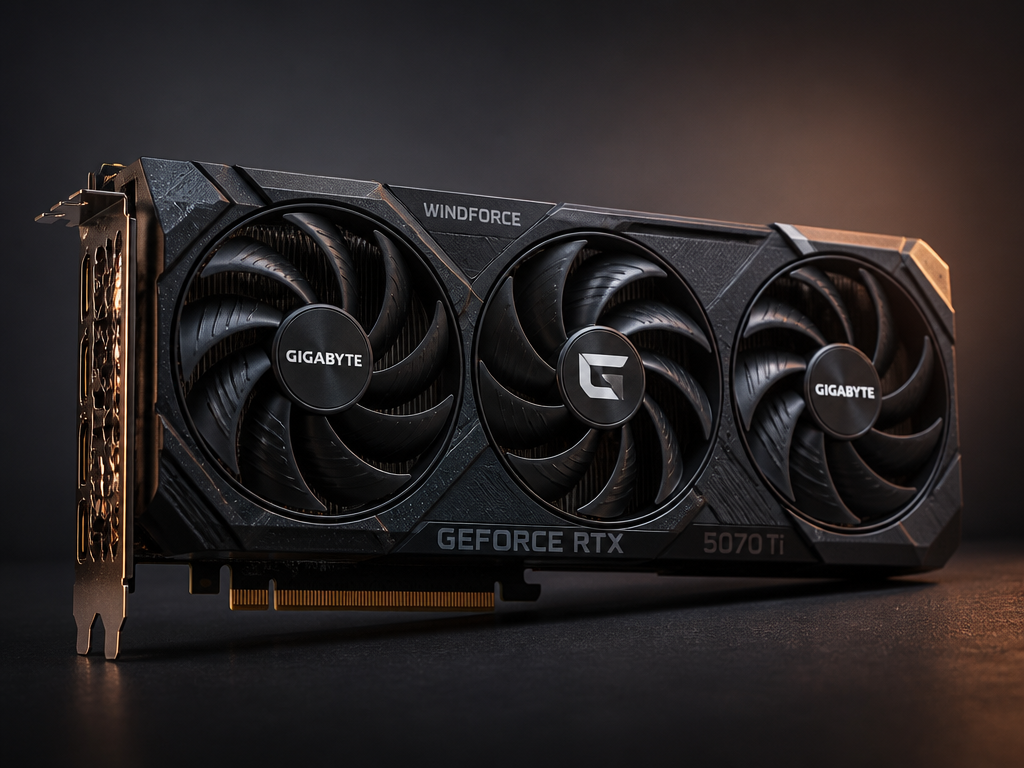
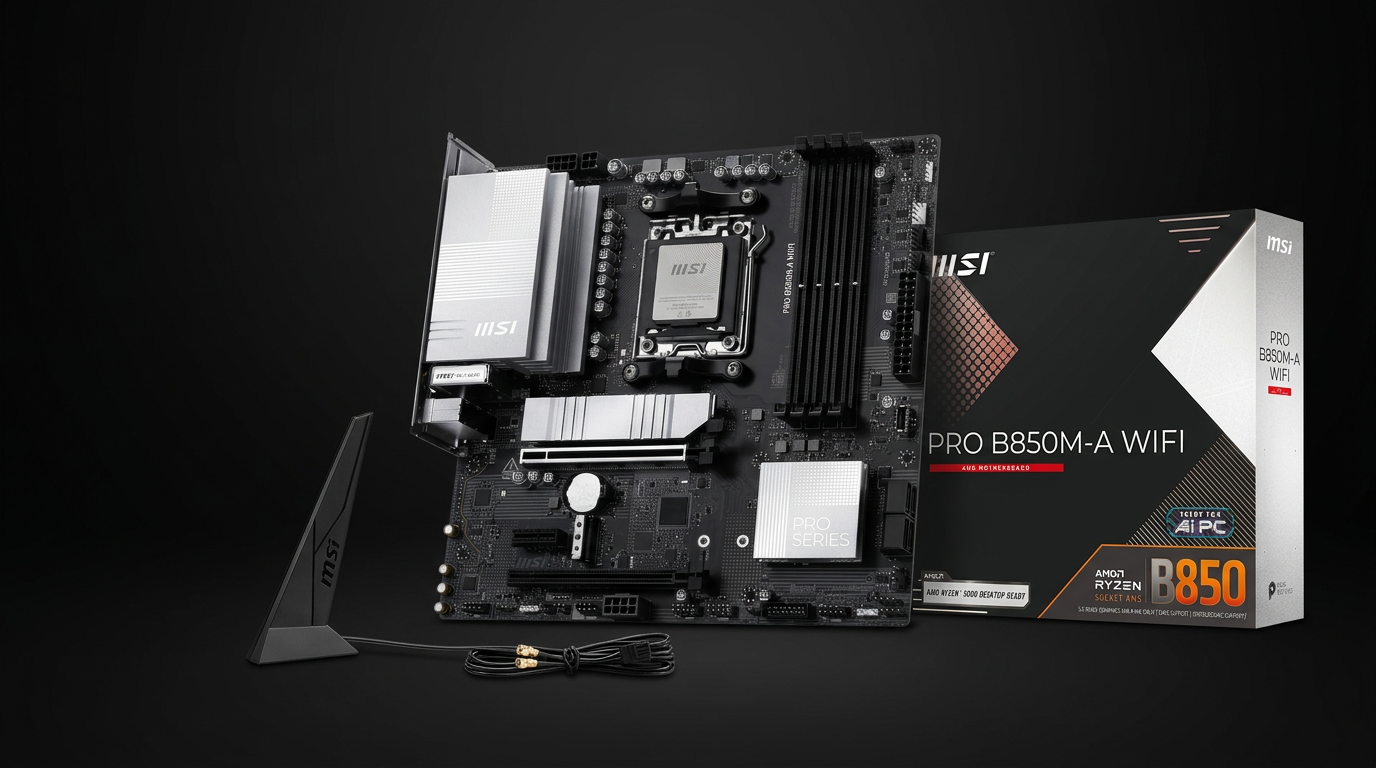
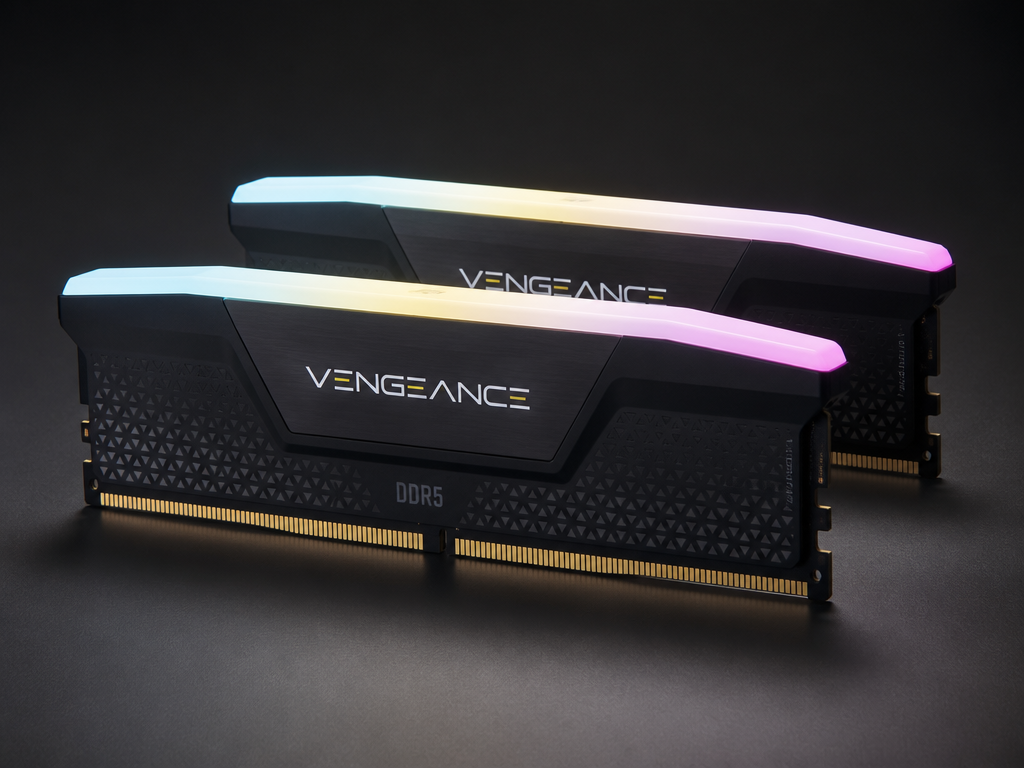
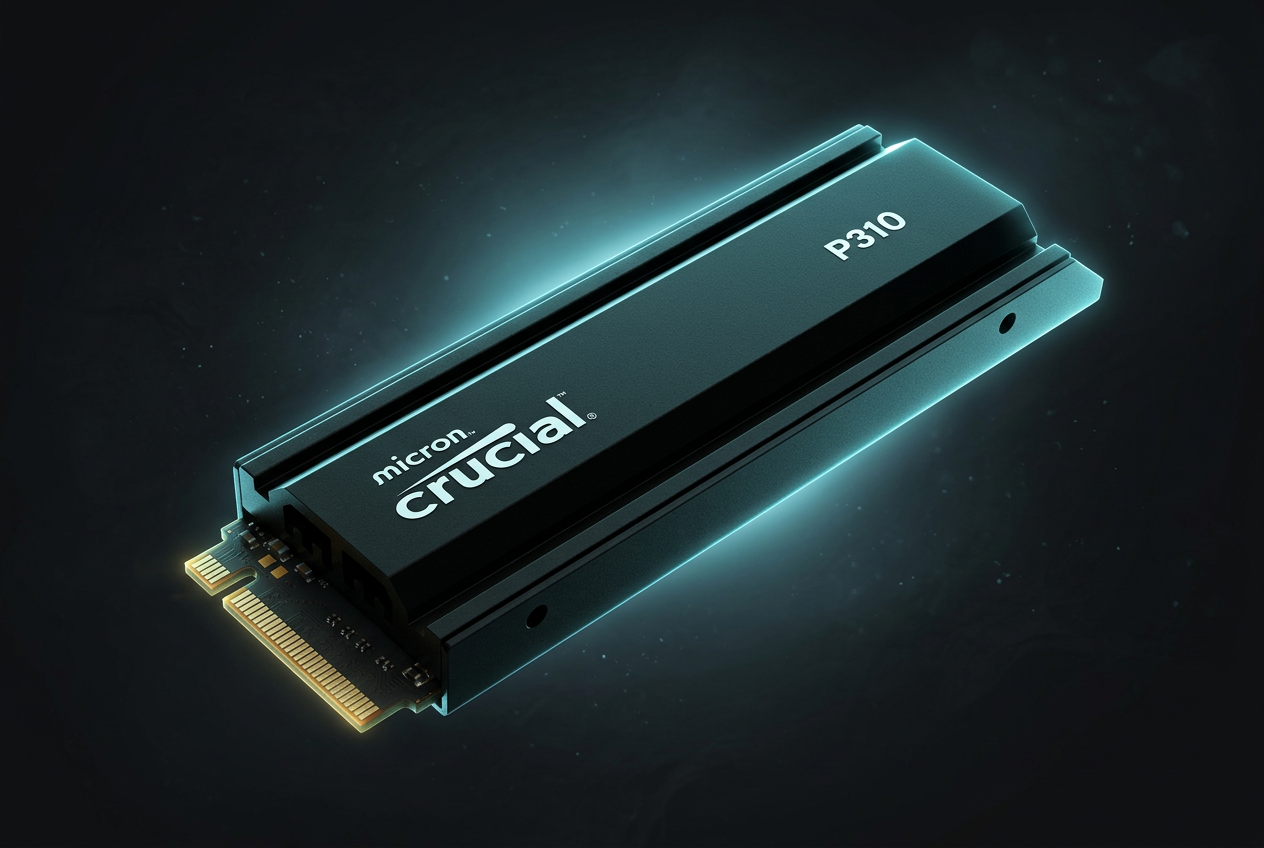
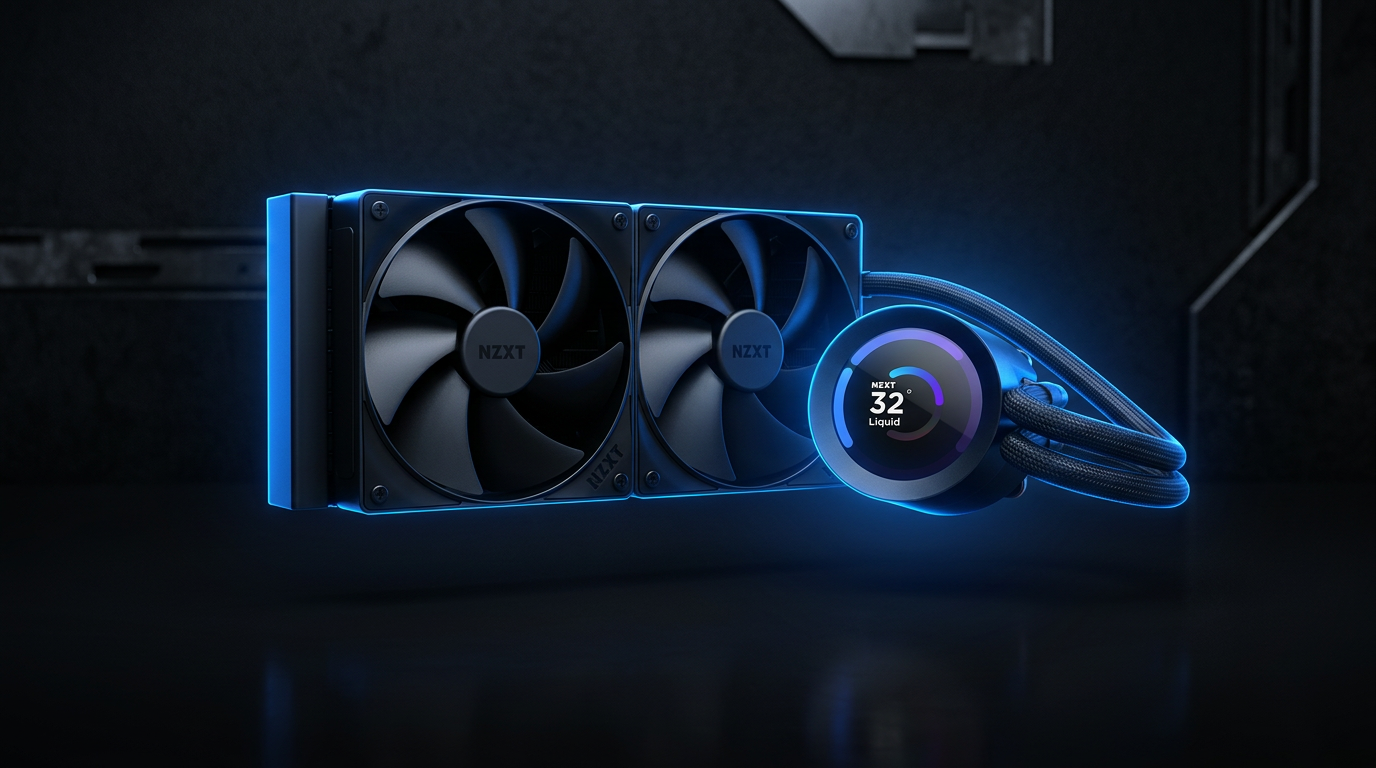
Settings are personal preference — what feels good for me may not feel good for you. Tweak slowly and stick with what clicks.
Please read before purchasing
- • I am not responsible for your PC. You apply tweaks at your own risk.
- • I am not a professional — I'm a hobbyist sharing what works for me.
- • This is not a business. It's a personal project, not a registered company or service.
- • Always back up your system before applying any changes.

Join the Discord server
Hang out, get tweak updates, ask questions, and vibe with the squad. Scan the QR or tap the link below.
Join DiscordDonate / Payment
All payments and donations go through Venmo only. Send to @patrickyoboi — every tip fuels the next update.
Pay / Donate on Venmo · @patrickyoboiMark the Venmo note as "payment" (not a personal transfer).